Folder structure in Snowsight Streamlit App

Hi!
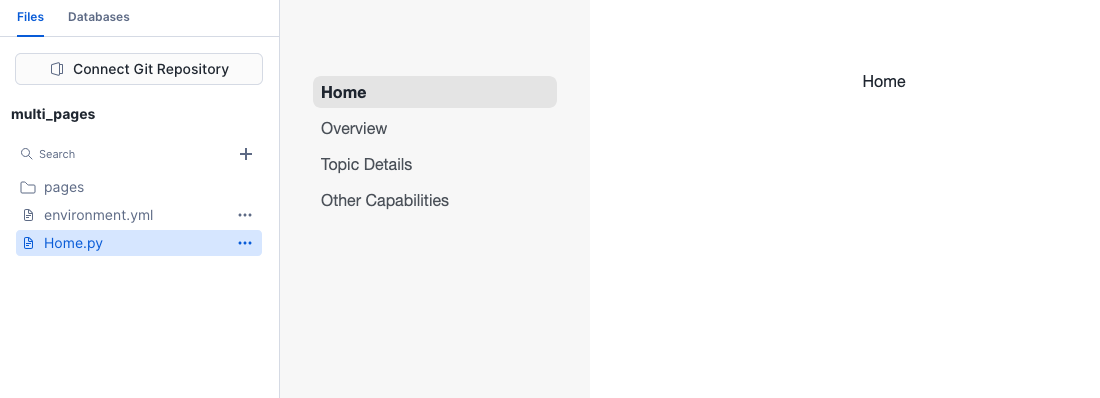
I’ve created a streamlit app in Snowsight, but I am unable to create/upload folders within the files tab. I assume this is something that is possible, considering some of the Streamlit documentation on Snowflake assumes you have a pages/ folder, but I find no mention anywhere about where to create a folder. Also this screenshot shows someone having a folder in their streamlit app, without being connected to a repo.
Thanks!

There are some new docs available.

When viewing your app in Snowsight, you can create or upload one file at a time. If you want to upload an entire folder, you have a few options:

  • Use PUT to stage the files, then COPY FILES INTO to upload them to your deployed app.
  • Use PUT to stage the files, then redeploy your whole app from the new source files.
  • Or, use Snowflake CLI to redploy your app from a local copy.