Update: There is now a better alternative that is free and open source - st-rsuite. Check out the example streamlit app.
Hi all,


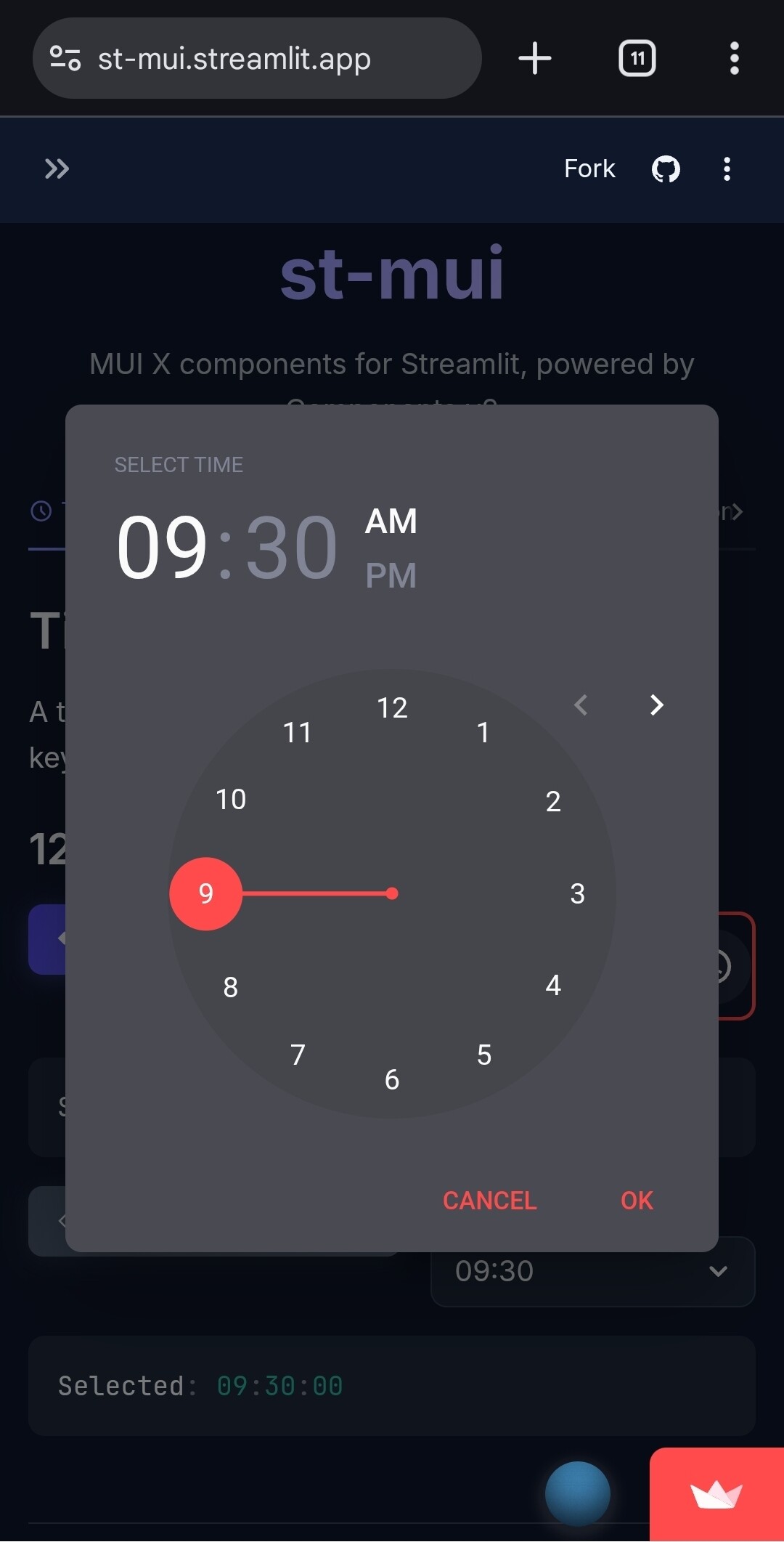
I’ve been using Streamlit for a while and the one thing that always got to me was st.time_input — it’s just a text field. No clock, no AM/PM toggle, no way to set min/max bounds. It works, but it always felt like it could be more.
So I made st-mui, a small set of MUI X date and time pickers wrapped up as Streamlit components using the Components v2 API. Nothing fancy, just the pickers I kept wanting.
What’s in it
| Component | What you get | Instead of |
|---|---|---|
time_picker |
Clock UI, AM/PM toggle, min/max time bounds | st.time_input |
date_time_picker |
Combined date + time with calendar popover | st.datetime_input |
date_picker |
Calendar popover with custom format support | st.date_input |
Example
from datetime import time
from st_mui import time_picker

t = time_picker(
    label="Pick a time",
    value=time(9, 30),
    ampm=True,
    min_time=time(8, 0),
    max_time=time(17, 0),
    key="my_time",
)
Install
uv add st-mui
pip install st-mui
Links
If you run into any issues or have ideas, feel free to open an issue on GitHub or just reply here (I’m way more likely to see it on Github though).
Note: Shield with pypi version might not reflect version right now because it’s so new, but it does exist and version is 0.2.5 as of today.
Example of how extended entry shows on desktop (or certain browsers)